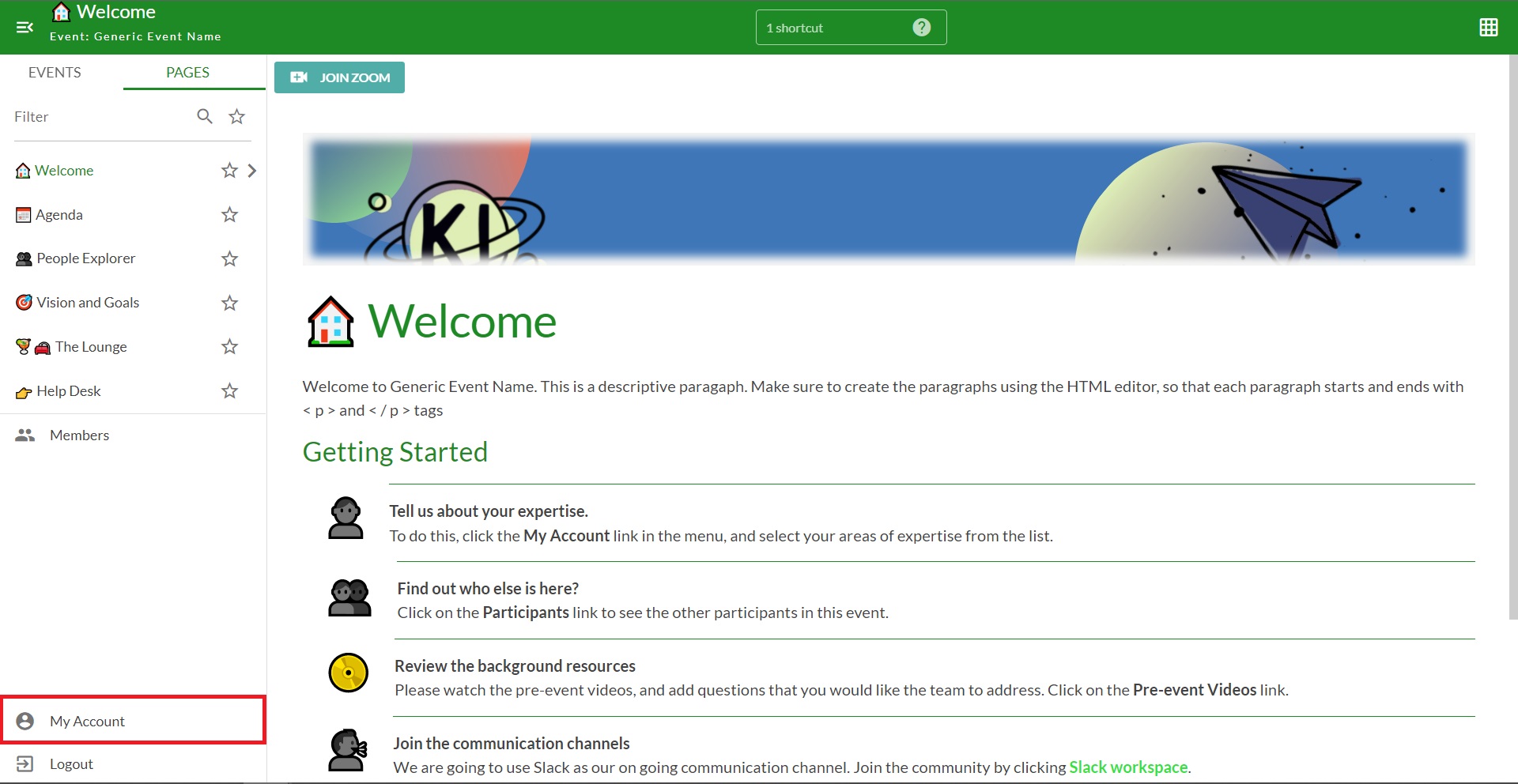
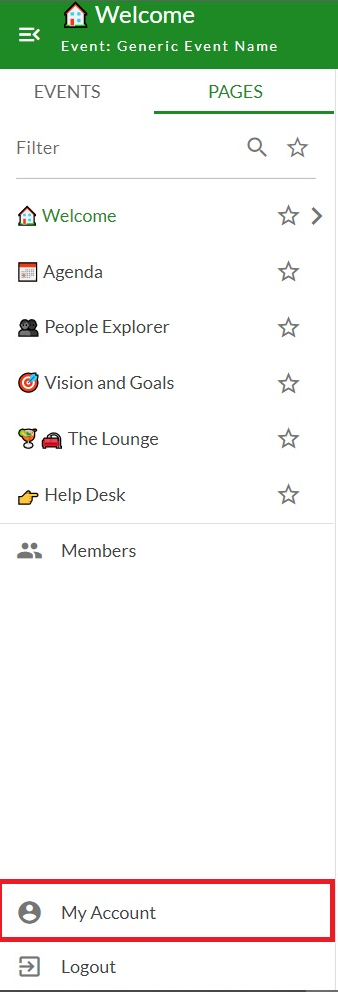
- Find the button that says "My Account" in the bottom left-hand corner of Kistorm
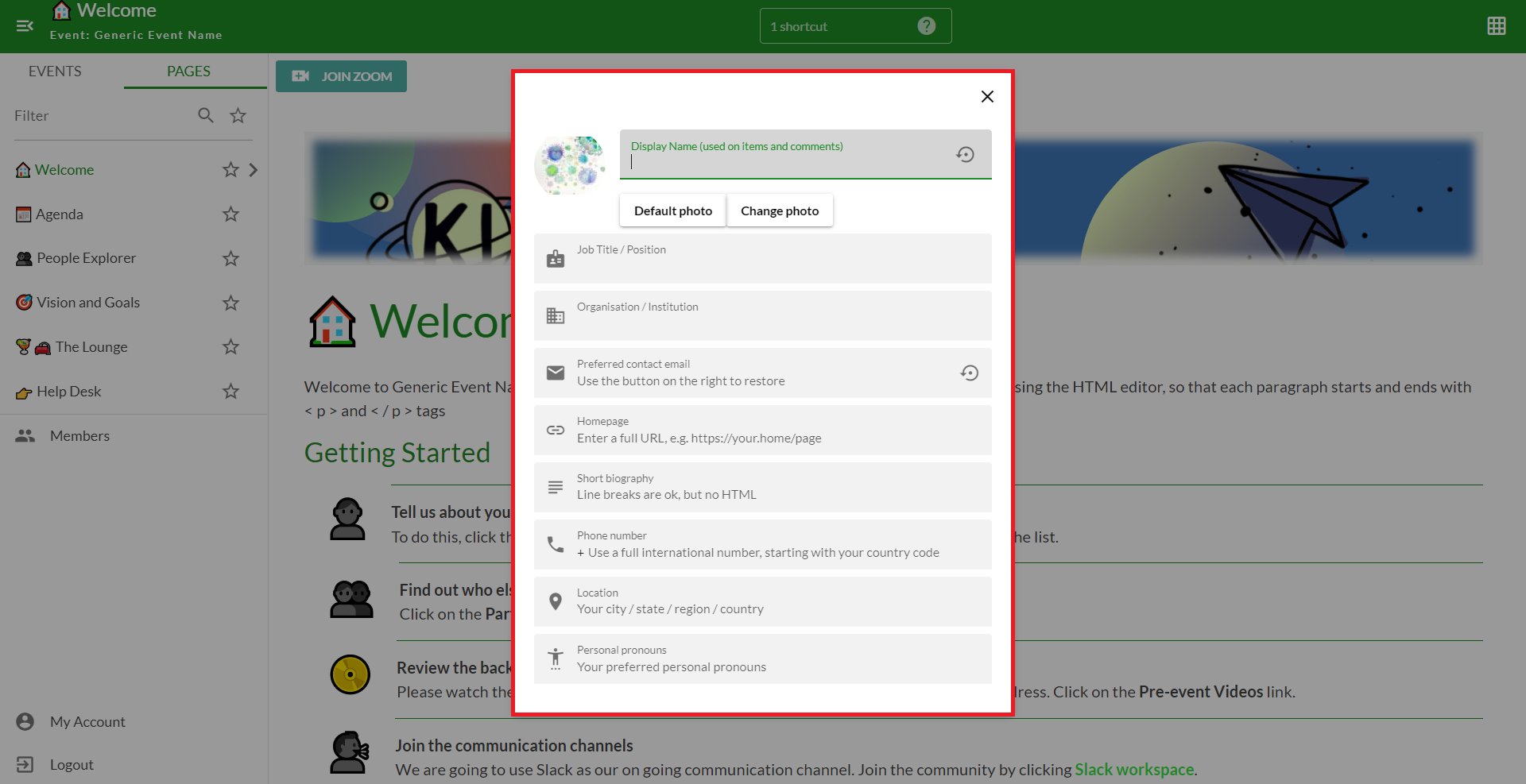
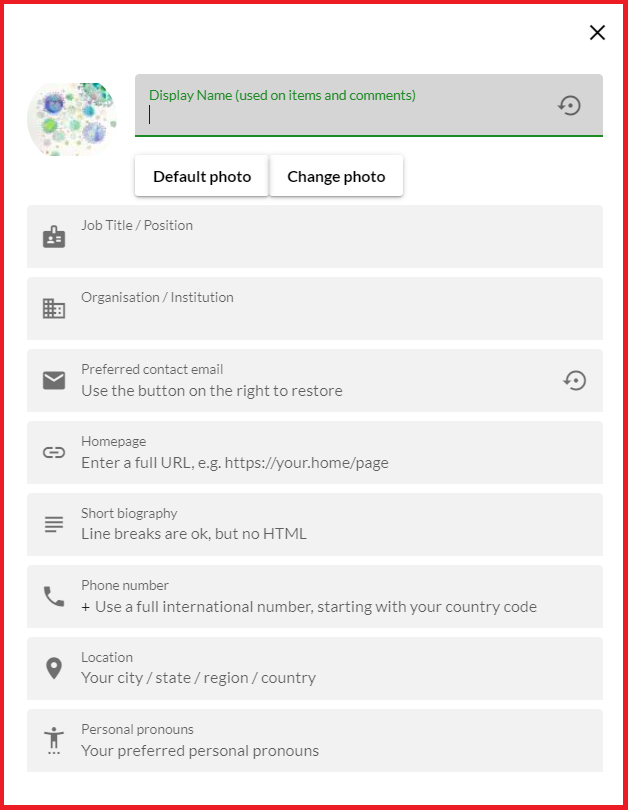
- Click the "My Account" button and your profile card will show up in the middle of the page
- Make your edits and then close the card with the "X" in the top right-hand corner of the card or "Esc" on the keyboard. All edits are made in real-time and will save automatically.
How do I change the details on my account?

Comments
0 comments
Please sign in to leave a comment.