
- Navigate to the page with your Sticky
- Locate your Sticky on the page
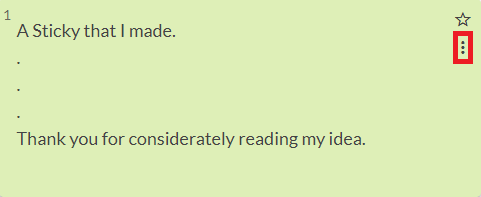
- Click on the 3 dots on the top right-hand corner of the Sticky. If it does not have 3 dots then it is not your Sticky.
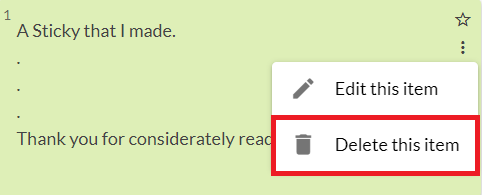
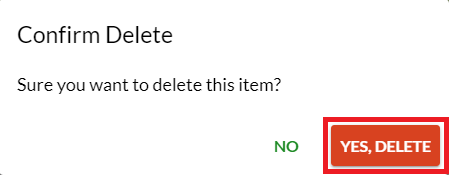
- Click on the button that says "Delete this item" and click "Yes, Delete" when prompted.
Note: you can only delete Stickies that you've authored
Examples with Pictures
Step 1: Navigate to the page with your Sticky
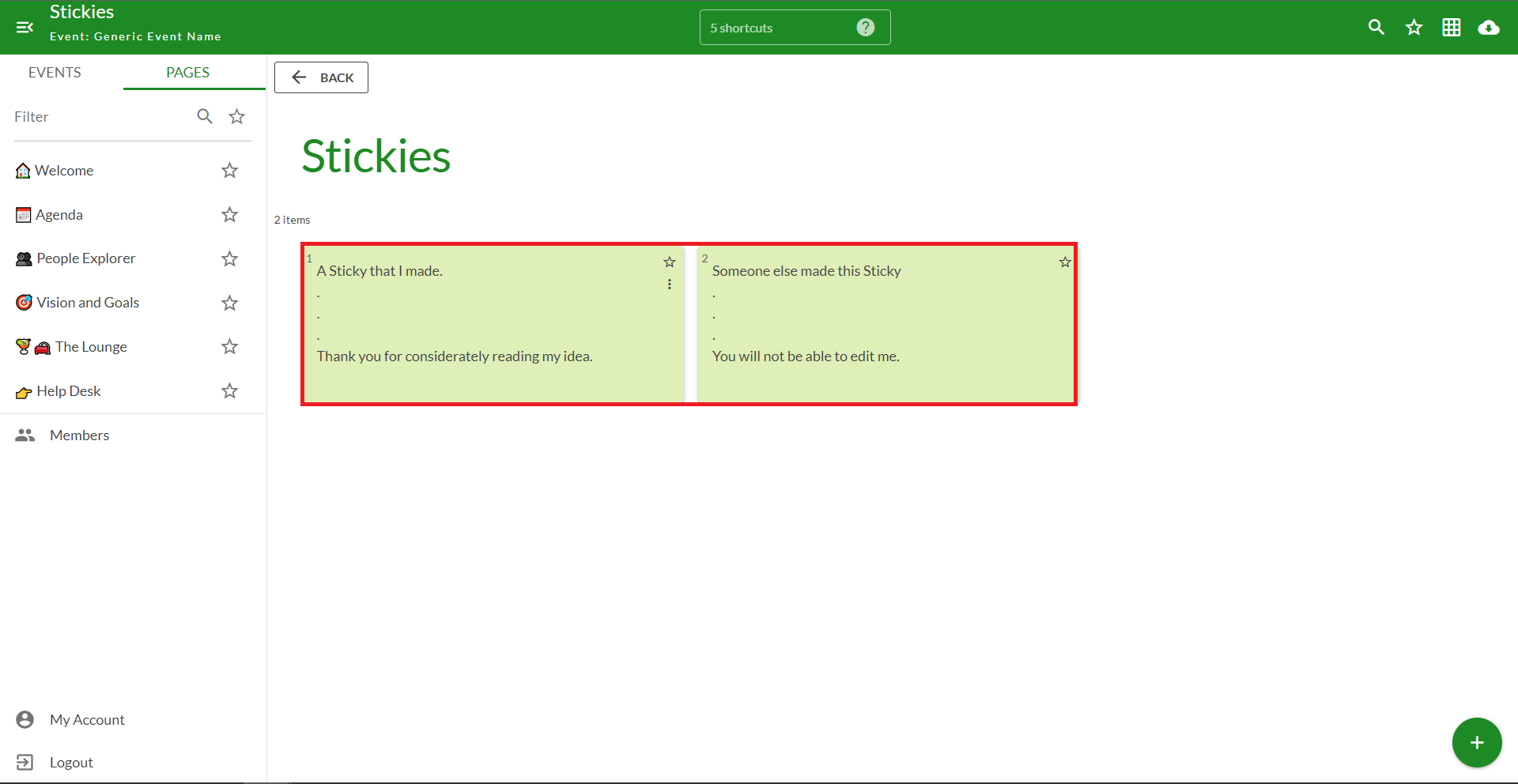
Step 2: Locate your Sticky on the page
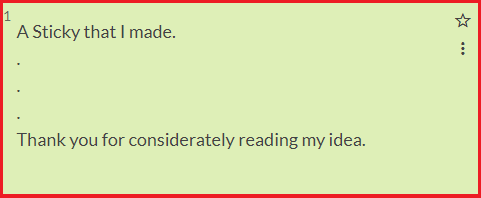
Step 3: Click on the 3 dots on the top right-hand corner of the Sticky. If it does not have 3 dots then it is not your Sticky.
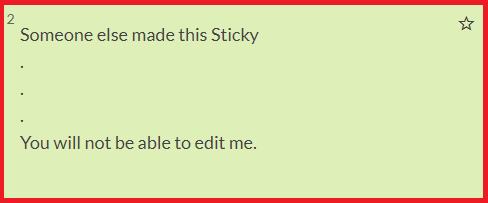
Note: Notice how this Sticky does not have the 3 dots, thus indicating that you did not author it.
Step 4: Click on the button that says "Delete this item" and click "Yes, Delete" when prompted.
Comments
0 comments
Please sign in to leave a comment.