
To add a sticky simply:
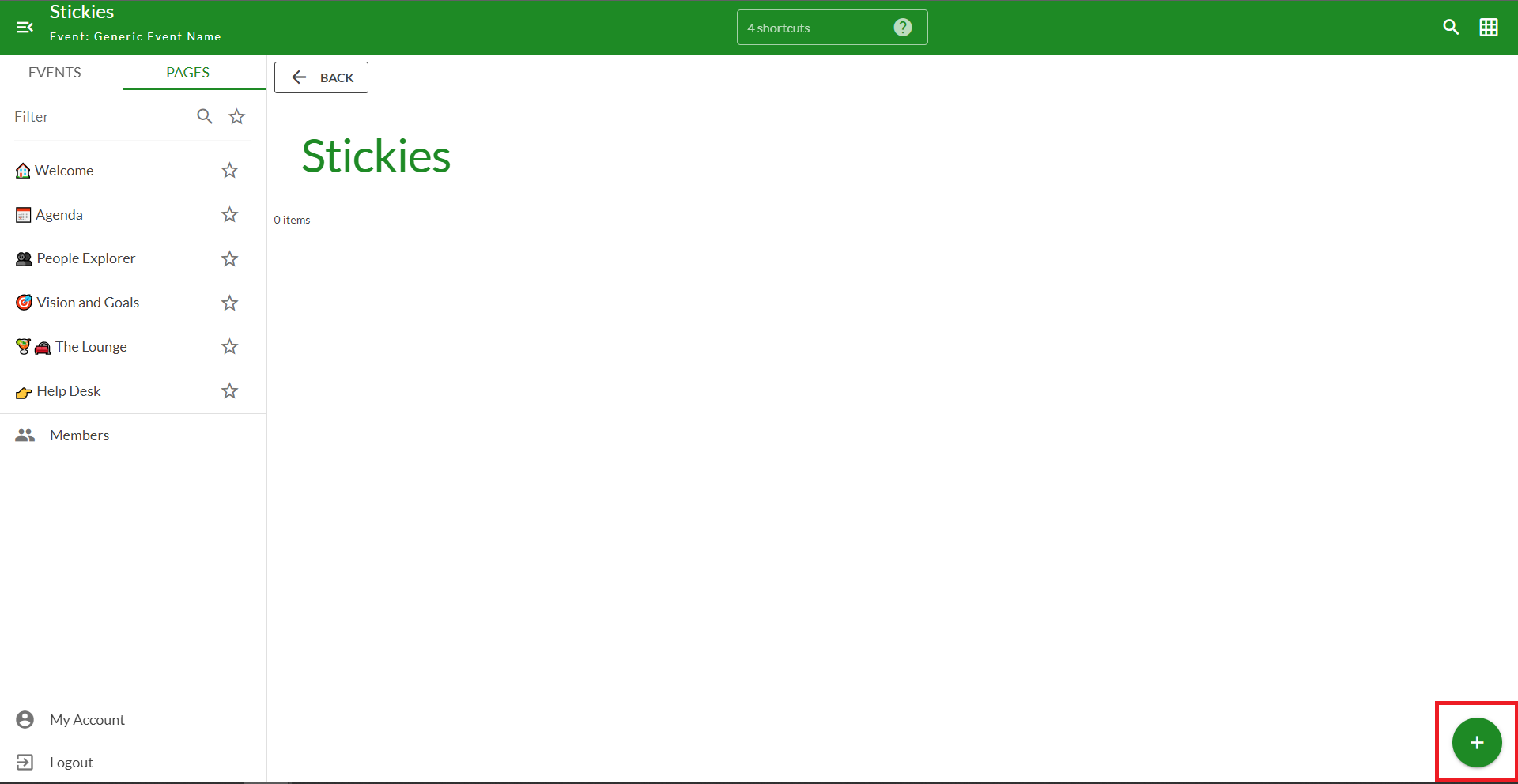
- Click the (+) in the bottom right-hand corner of the page
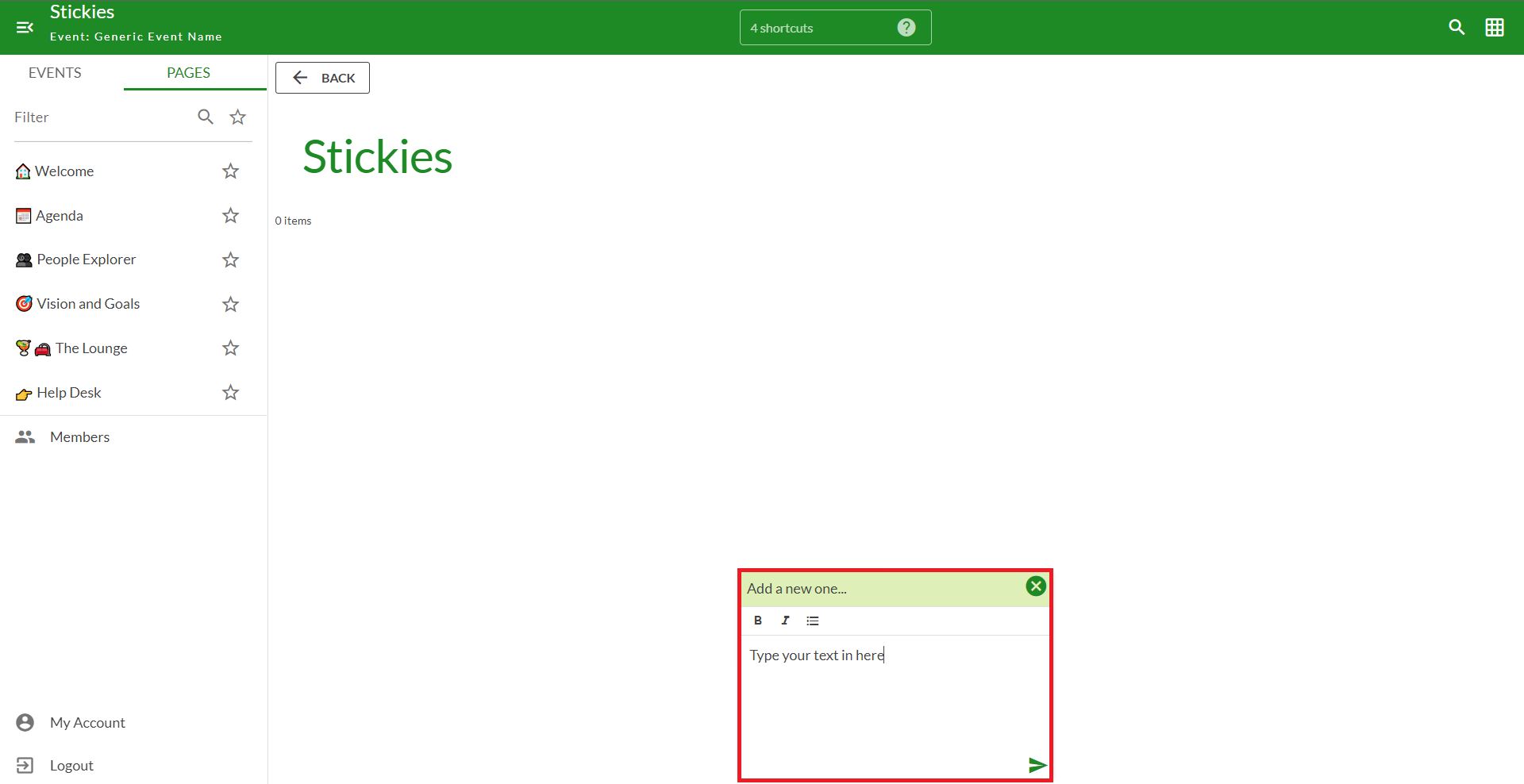
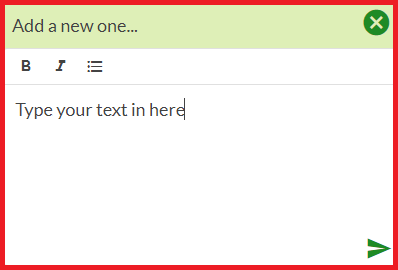
- Type your text in the new dialogue box in the middle of the page
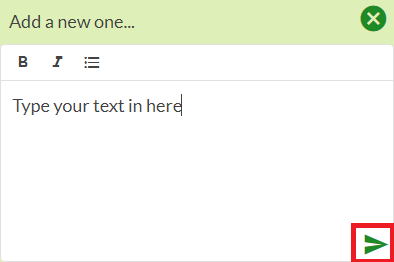
- Click the "paper airplane" on the bottom right-hand corner of the dialogue box to submit
Note: Sometimes the dialogue box is already open on the page, in that case, start from step 2
Example with pictures
Step 1: Click the plus in the bottom right-hand corner of the Kistorm page to open the sticky dialogue box.
Sometimes the plus (+) is a different color but it always functions the same way.

Step 2: A new dialogue box should open in the middle of your Kistorm page
Type your text in the new dialogue box
Step 3: Click the "paper airplane" on the bottom right-hand corner of the dialogue box to submit.
Comments
0 comments
Please sign in to leave a comment.